KardFire

Your Magic collection in your pocket.

KardFire recognises your Magic: The Gathering cards with your camera, prices them on Cardmarket, TCGplayer and Card Kingdom, and organizes them in interactive binders and decks. Online or offline.

On iPhone, Android and desktop, right from the browser.

Coming soon to Google Play

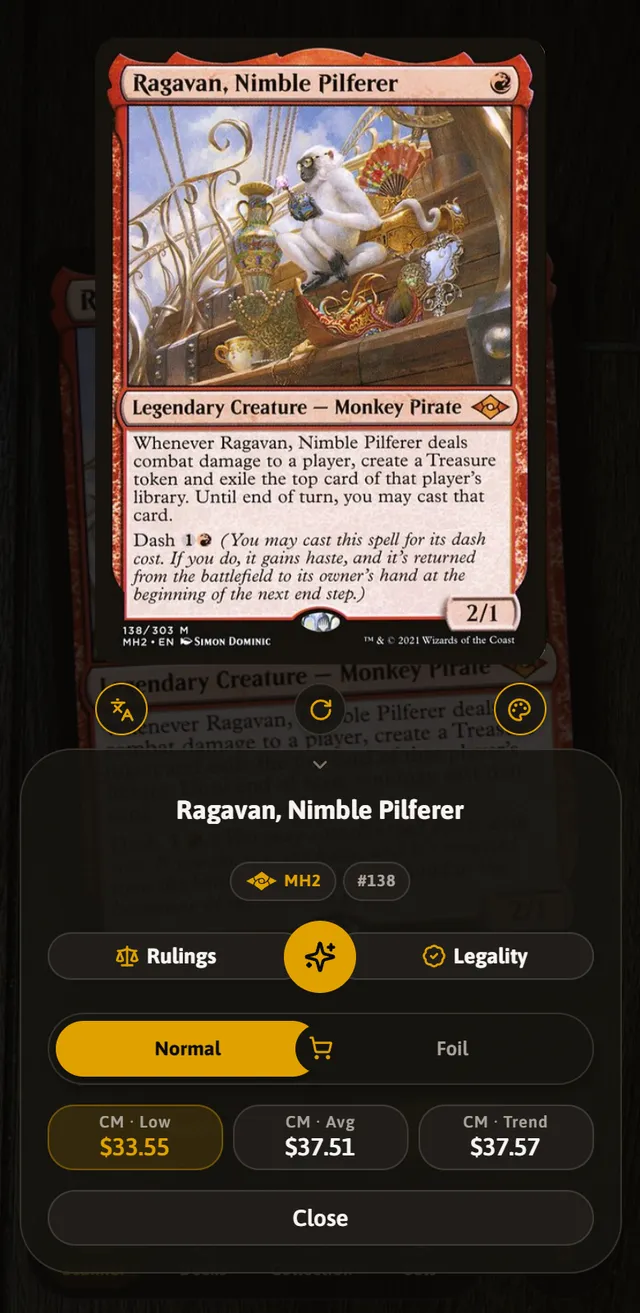
The KardFire scanner with a recognised card and its price

Everything that passes through your hands, in one app

From the freshly opened pack to the binder, the deck and the trade table.

Scan in any language, even with no signal

KardFire recognises a card by its artwork, not its text, so it doesn’t mind whether it’s Japanese, German or a glossy foil. The catalogue lives on your phone, so you can scan in the shop, at a tournament or in a basement with no signal.

  • Up to four cards at once in batch mode.
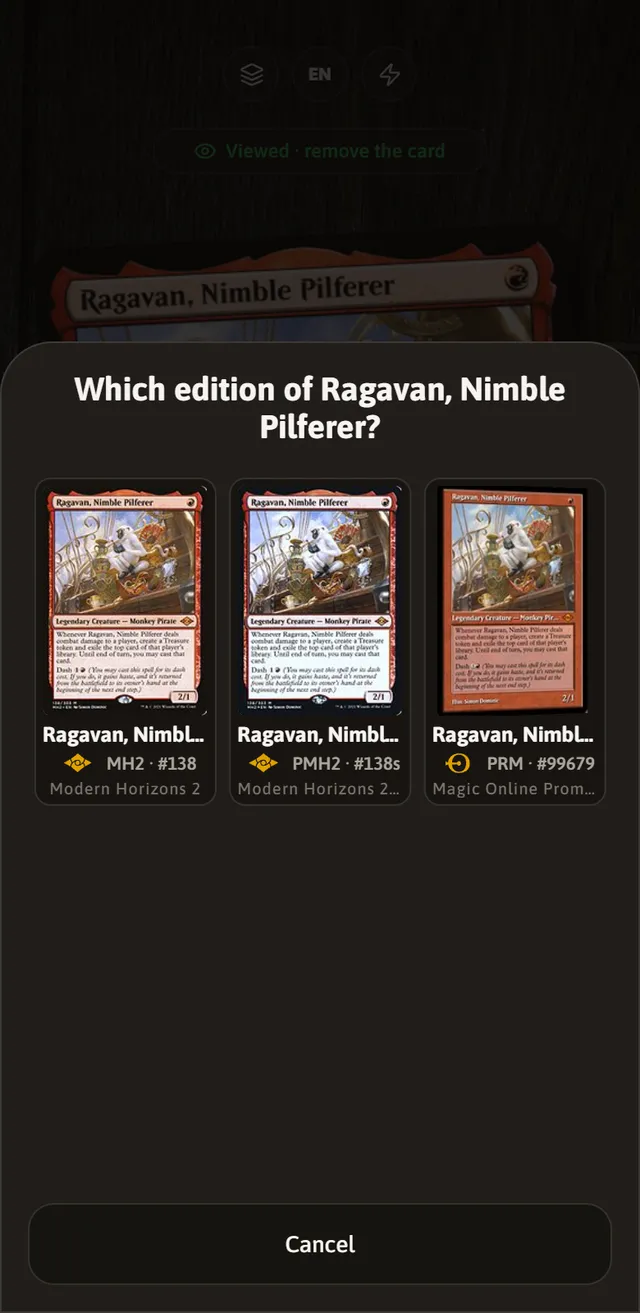
  • Tells apart printings with the same art by reading the card’s corner.
  • A different sound when the card is valuable.
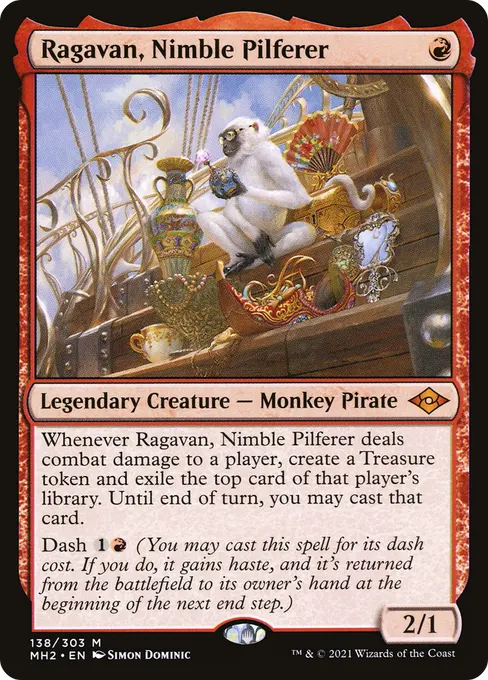
The KardFire scanner focusing on a card

Your collection, sorted into binders

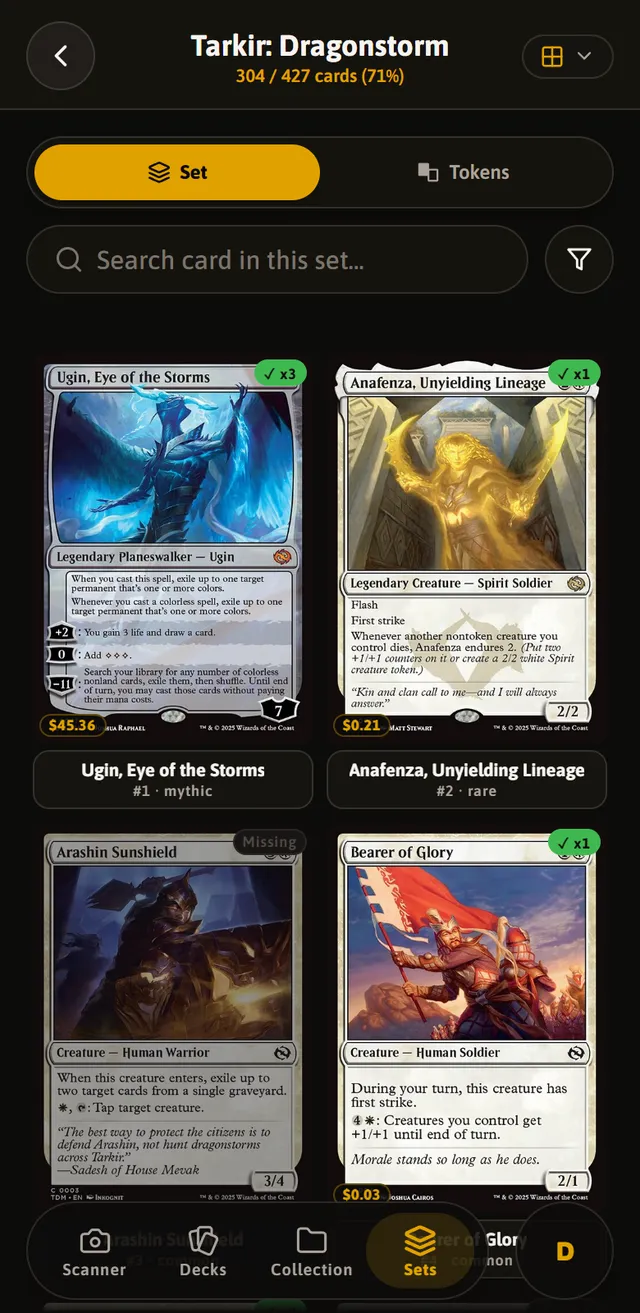
Create collections, build binders with interactive pages, and track progress for each set. When trading, the trade table balances both sides in real time.

  • Progress for every set, card by card.
  • Filters by colour, rarity, type and price.
  • A trade table that values both sides.
A Magic set in KardFire with its cards in a grid

Decks you can test before you play them

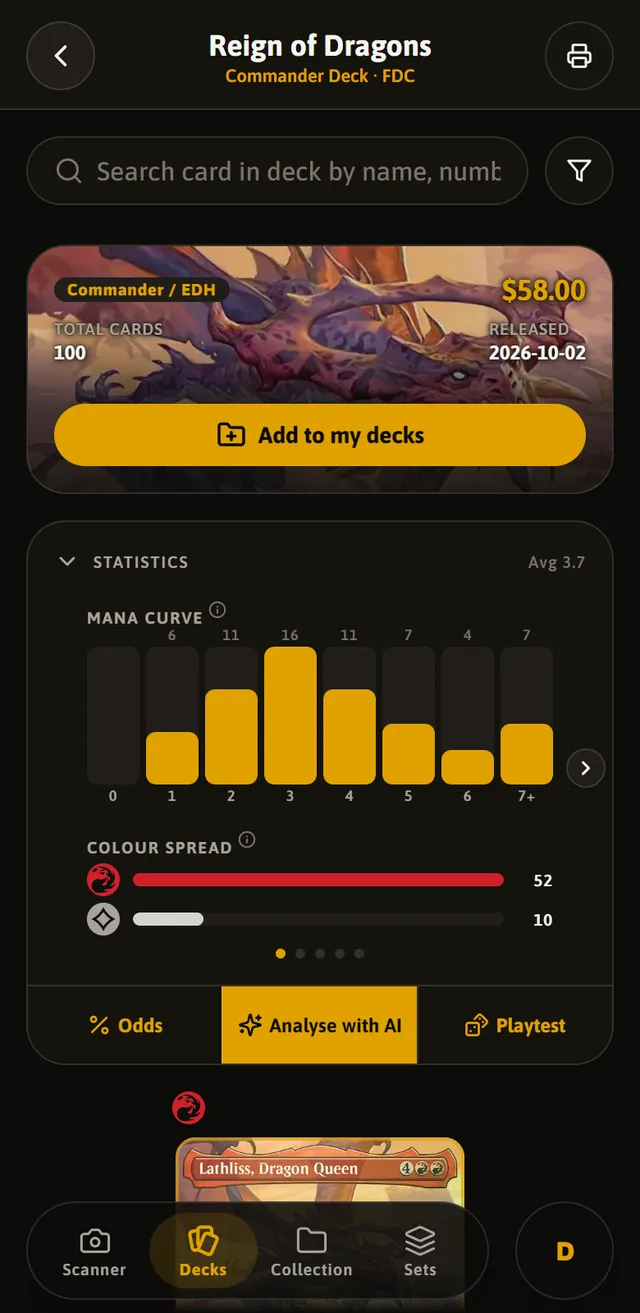
Import your list from Moxfield or paste it as it is, copy any Commander precon and study its numbers: curve, mana sources and the odds of drawing what you need. Then draw yourself a test hand.

  • Commander precons, including the newly announced ones.
  • Legality by format and what you’re missing for each deck.
  • A playtest table with library, hand, battlefield and graveyard.
The statistics of a Commander deck in KardFire

Real-time market prices

Every card priced on Cardmarket, TCGplayer and Card Kingdom, in your currency and updated daily. Know the value of your collection and every deck in an instant.

Works offline. Fully.

Everything you do is saved on your device first and uploads by itself when the connection comes back. Note a trade on the underground and find it on your computer when you get home.

Official rulings & clarifications

Official Wizards of the Coast rulings and clarifications for every card, built right into the app. Settle any interaction question mid-match, online or offline.

Install it on your phone

KardFire is a web app: it installs from the browser, no store in between, and opens full screen like any other app.

iPhone and iPad

  1. Open kardfire.com/app in Safari.
  2. Tap the Share button, the square with the arrow.
  3. Choose “Add to Home Screen”.
  4. Open it from its icon.

Android

Coming very soon to Google Play. In the meantime, from Chrome:

  1. Open kardfire.com/app.
  2. In the ⋮ menu, tap “Install app”.

Coming soon to Google Play

Desktop

Works in Chrome, Edge, Safari and Firefox. In Chrome and Edge you can install it from the icon in the address bar.

Open KardFire

Got a question?

Write to us and we’ll reply by email. Once logged in, you can also do it from Profile & Settings › Help & contact.

support@kardfire.com
Do I need an internet connection?

To create your account and the first time you open the app. After that you can scan, browse and edit offline, and your changes upload by themselves when you’re back online.

Where are my cards stored?

On your device and in your account. That’s why you have them on your phone and your computer at the same time, and you don’t lose them if you change phones.

Which languages does it support?

The app is in Spanish, English and Portuguese. Cards can be searched and scanned in any language.

How do I delete my account?

In the app, under Profile & Settings › Delete my account: it’s removed immediately with everything in it, and you can download your data first. If you no longer have access, write to us from the account’s email address.

Will it come to Google Play and the App Store?

Google Play, very soon. On iPhone there’s no need to wait: it installs from Safari in a minute and works the same.

Is it an official Magic app?

No. KardFire is an independent project, not affiliated with Wizards of the Coast.